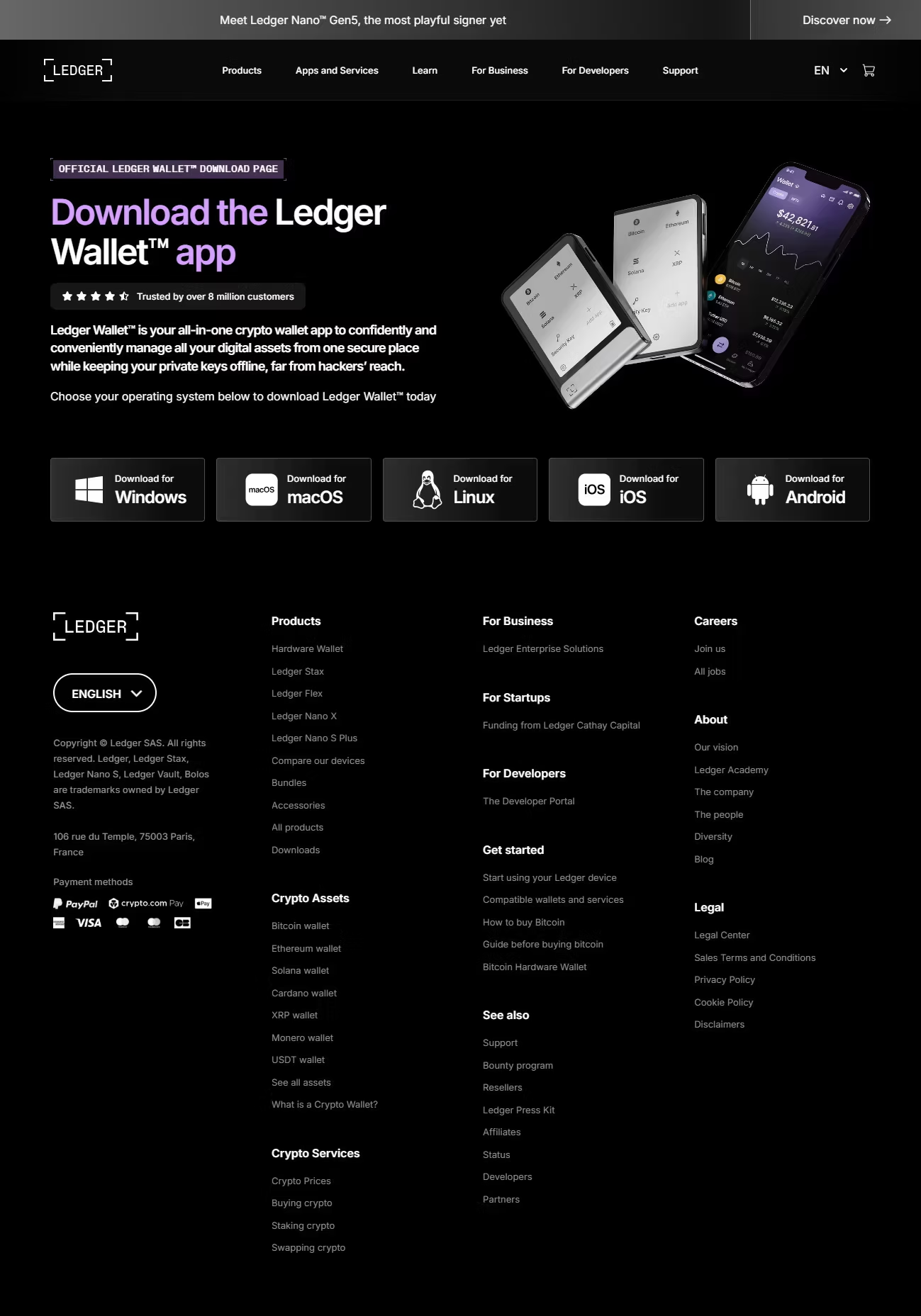
Ledger Live Login: A Complete Guide to Securely Accessing Your Crypto Wallet
Introduction to Ledger Live Login
Ledger Live Login is an important starting point for users who want to manage their cryptocurrency assets through the Ledger ecosystem. Ledger Live is the official companion application designed to work with Ledger hardware wallets. It provides a convenient interface for checking crypto balances, managing accounts, reviewing transactions, and exploring supported digital asset services.
Whether you are a beginner or an experienced cryptocurrency user, understanding how Ledger Live Login works can help you access your wallet management features safely and confidently.
What Is Ledger Live?
Ledger Live is a cryptocurrency management application developed by Ledger. It connects with compatible Ledger hardware wallets and allows users to manage supported digital assets from a desktop or mobile device.
Instead of relying on a traditional online wallet login, Ledger uses a hardware-based security approach. Your private keys remain protected by your Ledger device, while the Ledger Live application provides an interface for viewing balances and managing transactions.
How to Access Ledger Live Login
Accessing Ledger Live is straightforward when you use the official application. Follow these general steps:
Visit the official Ledger website and locate the Ledger Live download section.
Download the application compatible with your operating system.
Install Ledger Live on your desktop or mobile device.
Open the application and select the appropriate setup or existing-device option.
Connect your compatible Ledger hardware wallet.
Unlock your device using its PIN.
Follow the on-screen instructions to access your accounts and available wallet features.
Always verify that you are downloading the genuine application from Ledger's official website. Avoid third-party download pages and suspicious links.
Important Security Features of Ledger Live
Security is an essential part of cryptocurrency management. Ledger Live works alongside compatible Ledger hardware wallets to provide additional protection for digital assets.
Some important security features include:
Hardware Wallet Protection: Private keys are secured within the compatible Ledger device.
Transaction Verification: Users can review transaction information on their hardware wallet before approving it.
Account Management: Supported cryptocurrency accounts can be monitored through the application.
Device Authentication: Access to the hardware wallet requires the device PIN.
Secure Recovery: Users can restore wallet access using their original recovery phrase when necessary.
Remember that Ledger Live itself does not require you to enter your 24-word recovery phrase to log in or connect your device.
Common Ledger Live Login Problems and Solutions
Sometimes users experience difficulties when opening Ledger Live or connecting their hardware wallet. Several common issues have simple troubleshooting steps.
1. Device Not Connecting
Check the USB cable, connection port, and device compatibility. Try another cable if the problem continues.
2. Application Not Opening
Make sure you have installed the latest official version of Ledger Live. Restart your device and try again.
3. Incorrect PIN
Carefully enter the PIN configured for your Ledger hardware wallet. Never share your PIN with anyone.
4. Account Balance Not Updating
Check your internet connection and allow the application to synchronize with the blockchain network.
Tips for Keeping Your Ledger Wallet Secure
Good security practices can help reduce the risk of cryptocurrency theft. Always download Ledger Live from the official Ledger website, keep your application updated, and verify transaction details directly on your hardware wallet screen.
Never share your recovery phrase, PIN, or private security information. Ledger support representatives will never ask you to disclose your recovery phrase. Be cautious of fake login websites, unsolicited messages, and applications promising instant wallet recovery.
Conclusion
Ledger Live Login provides access to a useful cryptocurrency management environment for compatible Ledger hardware wallet users. By installing the authentic application, connecting your device, and following the recommended security practices, you can manage supported digital assets with greater confidence.